How it works
From sign-up to the first result
Connect your store
Install through Shopify OAuth and authorise access. Restoc pulls inventory levels and sales history, and the onboarding screen shows sync progress, with a clear message and a retry if Shopify times out or the token expires.
Set your window and lead times
Choose a sales velocity window of 7, 14 or 30 days and enter lead time per SKU or globally. Inputs are validated on both sides, so a typo does not silently become a bad reorder point.
Let the alerts run
When a SKU crosses its reorder point, Restoc sends an email, a Slack message, or both. Delivery is idempotent, so you get one alert per crossing.
Work the weekly report
Once a week, Restoc lists every SKU below its reorder point with a suggested order quantity. Export the CSV and place the orders.
Restoc is not open yet, so this is what it is being built to do. Nothing a card names is a promise: the pages this site publishes are what it covers today.
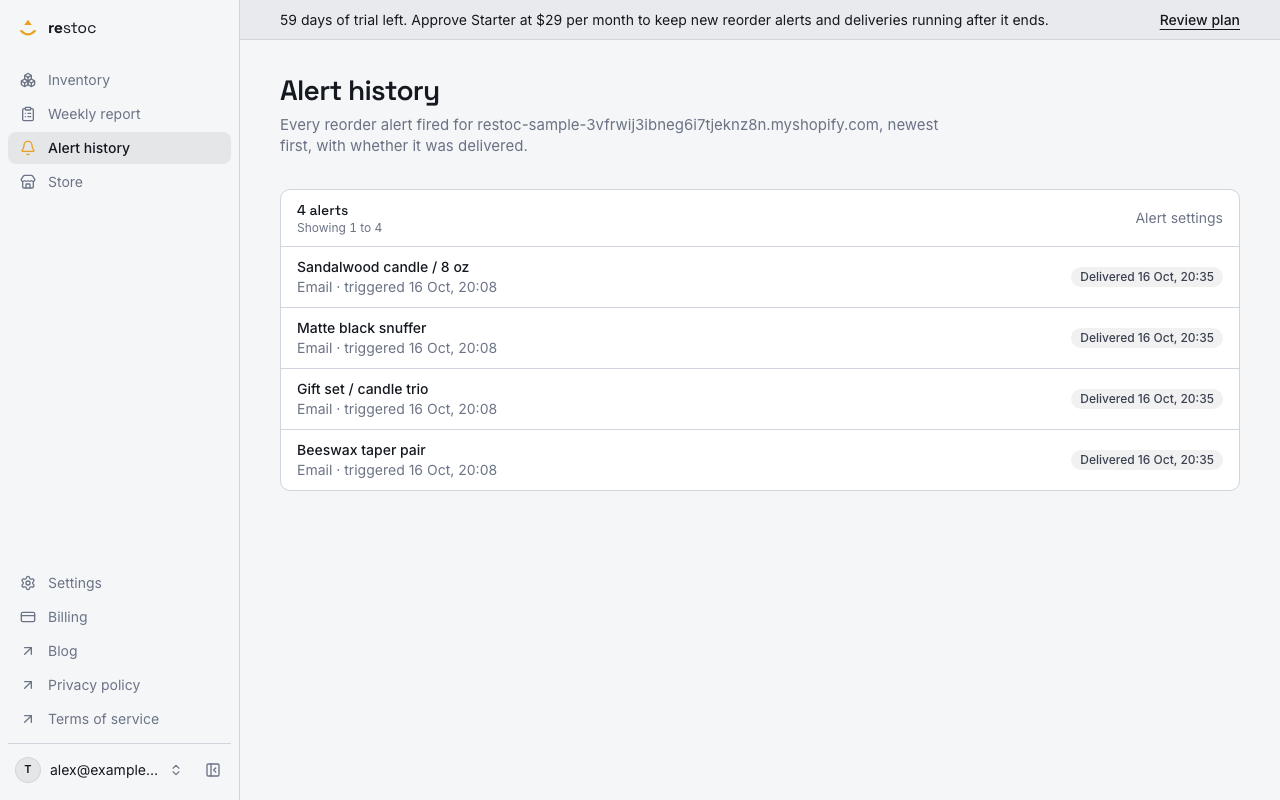
Alerts when a SKU crosses its reorder point
Email and Slack webhook alerts fire when stock drops through the reorder point. Delivery runs as an idempotent background job, so a retry does not mean a second ping.
A screenshot of Restoc, showing sample data. Nothing in it is a promise: what the product does is what this page says in words.
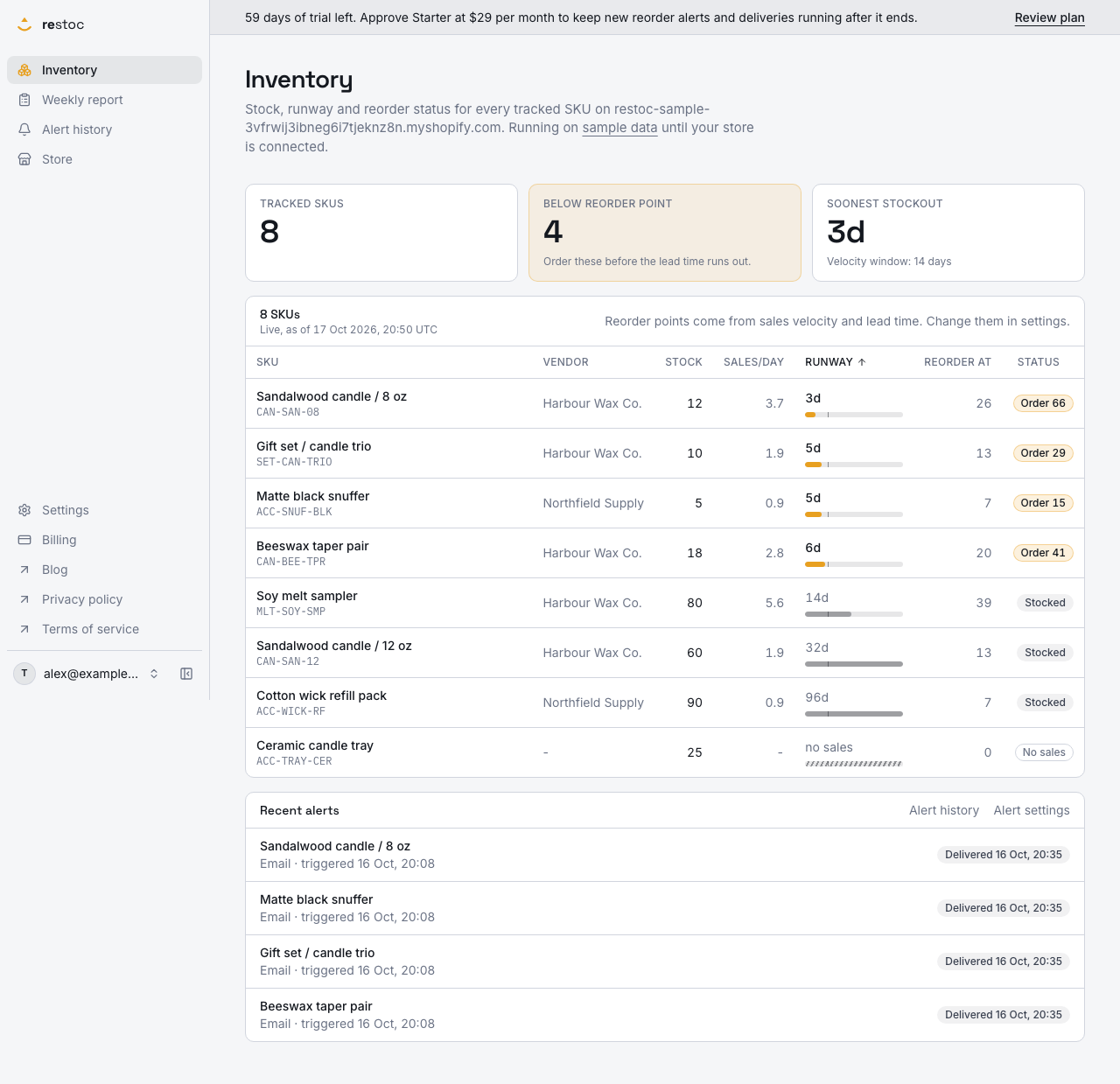
Reorder points from your own numbers
Pick a sales velocity window of 7, 14 or 30 days and enter your lead time per SKU. The calculation is a tested pure function, not a black box forecast.
Sample data. Nothing in it is a promise.
Questions
Answers before you ask
Any price, trial or plan named in these answers is planned rather than on sale.
Is Restoc available yet?
Not yet. Restoc is in build and the site is a waitlist. Join it and we will tell you when the Shopify App Store listing is live, with no other mail in between.
What will it cost?
Three tiers billed monthly: Starter at $29 for up to 200 SKUs, Growth at $59 for up to 1,000 SKUs, Pro at $99 for up to 2,000 SKUs. Annual billing at ten months of the monthly price is offered at signup.
How does the free trial work?
Sixty days, and it is built so at least one full weekly reorder cycle completes before the first charge. You should see the product do its job before you pay for it.
How is the reorder point calculated?
From your sales velocity over a 7, 14 or 30 day window and the lead time you enter for the SKU. It is a simple, tested calculation. There is no demand forecasting model behind it, and we are not going to pretend otherwise.
What is not in the first release?
No demand forecasting, no purchase order generation, no supplier management, no multi-channel inventory sync, no barcode scanning, no 3PL integrations, and no native mobile app or browser extension. Restoc watches stock and tells you when to reorder. That is the whole product at launch.
Does it support multiple locations?
Not fully at launch. A SKU carries a single location field, and full multi-location logic is deferred past the first release. If you run several stocking locations with separate reorder logic, Restoc is not ready for you yet.
Where do alerts go?
Email recipients and a Slack webhook, both configurable with enable and disable toggles. Alerts fire when a SKU crosses its reorder point, once per crossing.
How often does stock update?
Through Shopify webhooks plus a scheduled sync job. We do not poll Shopify's API every minute, which keeps the app inside Shopify's rate limits and out of your store's way.
Get told when Restoc ships
Leave your email and your store size. You will get one message when the Shopify App Store listing goes live, and nothing else in the meantime.
One email when it launches, and the occasional update. Unsubscribe any time. Privacy.