Add safety stock to a reorder point: the math, and the field that carries it
Safety stock goes on top of lead-time demand: work out what you sell while the order is in transit, then add a cushion for the weeks that spike. Restoc computes that lead-time demand per SKU from your sales velocity window and the lead time you enter, and because the lead time is yours to set, a cushion measured in days of cover goes straight into the number it watches.
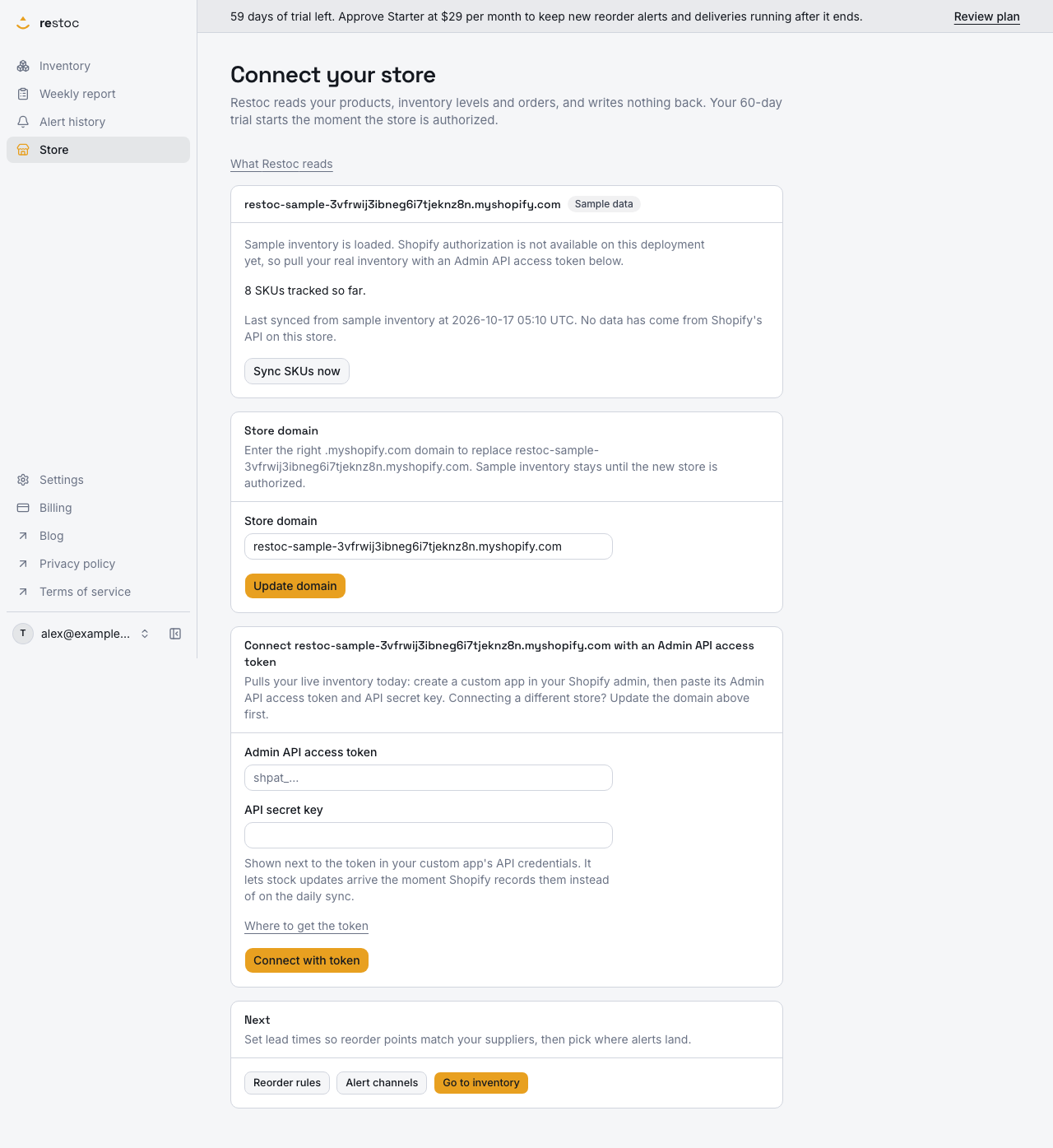
A screenshot of Restoc, which is not open yet, showing sample data. Nothing in it is a promise: what the product does is what this page says in words.
Why average demand alone runs out early
The formula is short: average daily sales multiplied by lead time, with safety stock added on top. The first half is a forecast of what you will sell while the order is in transit. The second half is an admission that the forecast will sometimes be wrong.
It is wrong in the direction that costs money. Items that sell in bursts rather than evenly clear the average figure days before the box lands. Suppliers slip. A ten-day lead time is a plan, not a promise. Order at bare lead-time demand and a good week turns into an empty product page.
So the cushion is not padding. It is the part of the number that absorbs one strong weekend and one late courier at the same time.
Units, or days of cover
There are two honest ways to carry safety stock in your reorder point.
- In units. Decide the buffer in stock units, then add it to lead-time demand before you order.
- In days of cover. Decide how many extra days of selling you want standing on the shelf, then let your own velocity turn those days into units.
Days of cover is the easier one to hold in your head, and it is the easier one to act on, because it maps onto a field you are already filling in. The lead time you enter per SKU is the span the reorder point covers. Make that span the span you actually want covered, and the cushion is inside the number instead of in a side column.
The arithmetic on one SKU, with figures you can swap for yours
| Step | Figure |
|---|---|
| Average daily sales over a 14-day velocity window | 4 units a day |
| Supplier lead time, order placed to stock on the shelf | 10 days |
| Lead-time demand, 4 a day across 10 days | 40 units |
| Cushion you want, in days of cover | 3 days |
| What those 3 days are worth at this velocity | 12 units |
| Lead time entered for the SKU, 10 plus 3 | 13 days |
| Reorder point Restoc computes, 4 a day across 13 days | 52 units |
What the engine does with those two inputs
Restoc's reorder point engine takes a sales velocity window set for the store, 7, 14 or 30 days, and a lead time you enter per SKU. It multiplies them into a reorder point per SKU, as a single tested calculation. Same inputs, same number, every time, and you can reproduce any of it on a calculator before you trust it with cash.
That is why days of cover works cleanly here. The engine is linear in the lead time you give it, so every extra day you enter buys exactly one more day of average demand on the shelf. Three days of cover at four a day is twelve units. Three days of cover on a slow line is one or two units. The same decision scales itself per SKU, which is what you want across a few hundred of them.
The trade-off you are actually making
More cover means you order sooner and hold more. Less cover means you hold less and run closer to the edge. Neither answer is right for a whole catalogue. How much to hold on which lines is a sizing question, and our safety stock guide walks through how merchants reason about it; this page is about getting the figure you choose into the number that triggers the order.
How the number gets built, start to order
- Connect the store
Restoc installs through Shopify OAuth and is built to pull inventory levels and sales history, with webhooks plus a scheduled sync job keeping them current. It is a web app: there is nothing to install on a phone.
- Pick the sales velocity window
7, 14 or 30 days, set once for the store. A short window reacts to a change in demand quickly. A long one smooths the spikes out of the average. That choice sets the units-per-day behind every reorder point.
- Enter the lead time per SKU
This is the number only you can supply, from the day you place the order to the day stock is sellable. Enter the real transit span, plus whatever days of cover you decided that line deserves.
- Read the point and the runway
The dashboard shows current stock, days of inventory remaining and reorder status for each active SKU, so you can see which lines are close to their point and which are nowhere near it.
- Take the alert at the crossing
Alerting is built to fire when a SKU crosses its reorder point, by email, and through a Slack incoming webhook on Growth and above. The background job behind it is built so one crossing sends one alert, not a repeat every time it runs.
- Order from the weekly report
The weekly reorder report lists the SKUs below their reorder point with a suggested order quantity, viewable in the app and exportable as CSV for whoever raises the purchase order.
What you get once the cushion is in the number
The math stays checkable
One tested calculation, two inputs, nothing hidden behind it. You can see why a SKU says 52 and not 40, which matters when the number is telling you to spend money.
The warning moves earlier by design
A higher point is crossed sooner in a SKU's life, so the days of cover you entered become days of warning before the shelf is bare.
One decision, scaled per SKU
Days of cover turn into units through each SKU's own velocity, so a fast line gets a bigger buffer than a slow one without you working out a figure for each.
A list you can act on, not a dashboard to stare at
The weekly report carries the SKUs below their point with a suggested order quantity, and the CSV export puts it where your supplier emails and spreadsheets already live.
Per-SKU control where you need it
Lead time is per SKU on every plan. Pro adds a per-SKU override of the sales velocity window for the lines whose demand does not behave like the rest of the catalogue.
Plans
Starter, $29 a month
Up to 200 tracked SKUs, one location. Reorder point per SKU from your velocity and lead time, the 7, 14 or 30-day store-wide window, email alerts at the crossing, the weekly reorder report with CSV export, and the days-of-inventory dashboard. $290 a year paid yearly, ten months' price for twelve.
Growth, $59 a month
Up to 1,000 tracked SKUs, five times Starter's capacity, enforced at sync time. Adds Slack alerts through an incoming webhook alongside email. $590 a year paid yearly.
Pro, $99 a month
Everything in Growth, up to 2,000 tracked SKUs, plus custom reorder rules: a per-SKU sales velocity window override. $990 a year paid yearly.
Trial, billing and what happens next
Every plan carries a 60-day free trial, and the trial is built so at least one full weekly reorder cycle completes before the first charge. You should see a reorder point, an alert and a weekly report on your own SKUs before you pay for any of it. Annual billing is surfaced as an option at signup if you would rather pay ten months' price for twelve.
Billing runs through Shopify, on your Shopify invoice, rather than a separate card payment. Sign-in is email and password.
Restoc is made for Shopify merchants running 50 to 2,000 SKUs who want the reorder number and the warning, not a planning suite. Join the waitlist and we will tell you the day install opens.
Questions
Should safety stock sit inside the reorder point or beside it?
Inside it. The point is the stock level that triggers an order, so it has to carry everything you want covered: demand during transit, plus the cushion. Keeping the buffer in a separate column means remembering to add it at the moment you are busiest.
How do I turn days of cover into a reorder point?
Add the days of cover to the transit span and enter the total as that SKU's lead time. Restoc multiplies the lead time you enter by average daily sales from your velocity window, so three extra days on a SKU selling four a day lift the point by twelve units.
How much cover should I hold?
That is a judgement about your demand, your supplier and your cash. Start low, look at the units it produces on the SKUs that actually matter, and raise it where a stockout has already hurt. Our safety stock guide in this section walks through how merchants size it, and the carrying cost guide shows what holding it costs.
Which velocity window suits items that sell in bursts?
A 7-day window follows a burst quickly and will swing the point around after a quiet week. A 30-day window is steadier but slower to notice a line speeding up. The window is set for the store, and Pro adds a per-SKU override. The window-choice page in this section compares the three directly.
Does a higher reorder point make alerts noisier?
It makes them earlier rather than more frequent. Alerting is built to fire when a SKU crosses its point, and the background job is built so one crossing sends one alert rather than repeating on every run. The trade-off you are choosing is days of warning against cash on the shelf.
Is the cushion reflected in the weekly report and the CSV?
Yes, because it is part of the reorder point itself. The weekly report lists the SKUs below their reorder point with a suggested order quantity, and the CSV export carries the same list, so whatever cover you built into the lead time is already in the threshold being tested.
What happens on a SKU with no sales in the window?
Average daily sales is zero, so lead-time demand and anything layered on top of it are zero too. A freshly connected store needs sales history before these numbers mean much, which the day-one page in this section covers.
Do I get Slack alerts on the cheapest plan?
Starter sends reorder alerts by email. Slack alerts through an incoming webhook come with Growth at $59 a month and with Pro at $99 a month, alongside email. All three plans include the reorder point engine, the weekly report and the dashboard.