Set a lead time once per supplier, not once per SKU
If you want to set lead time by supplier on your Shopify store rather than typing the same number into hundreds of SKUs, that is what this page is about. Restoc is built to hold one lead time per supplier and use it for every SKU from that supplier that does not carry a lead time of its own.
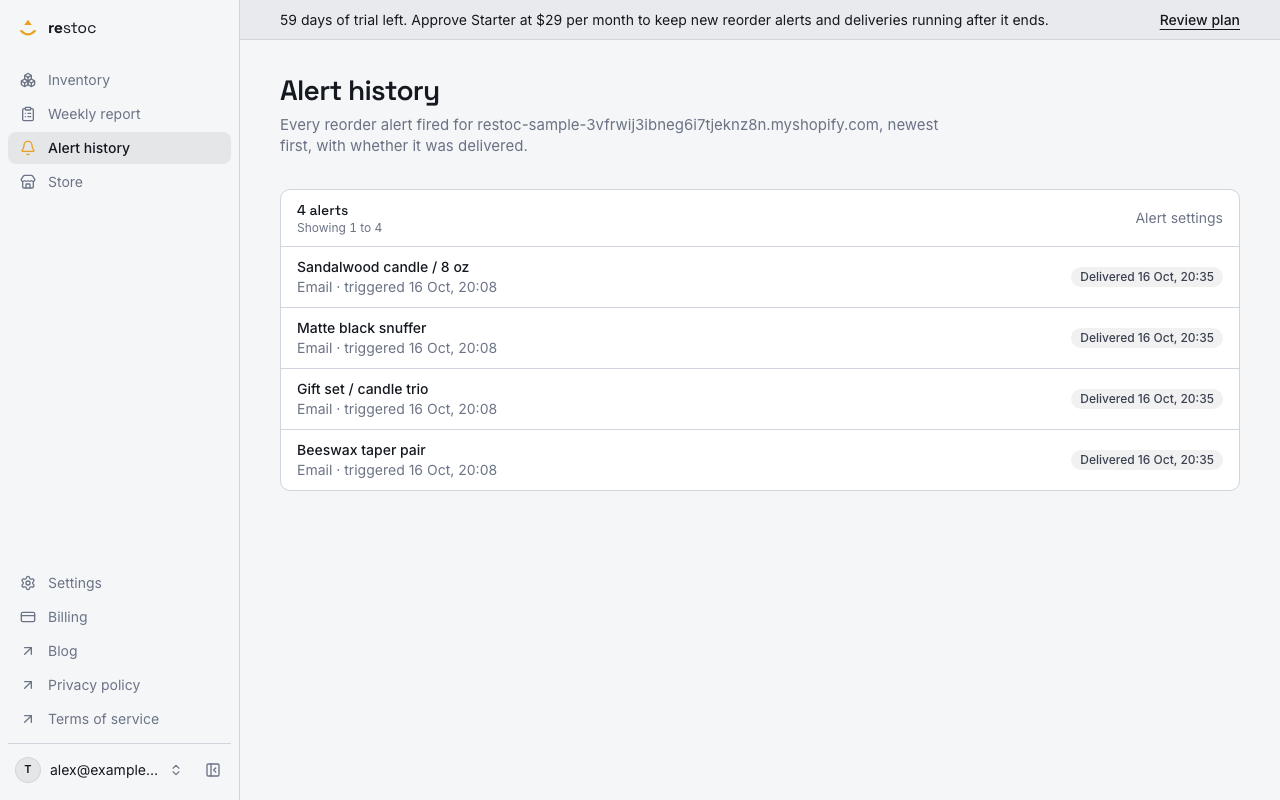
A screenshot of Restoc, which is not open yet, showing sample data. Nothing in it is a promise: what the product does is what this page says in words.
Lead time belongs to the supplier, not the product
A reorder point is only as good as the lead time behind it. Restoc works out when a SKU needs reordering from your sales velocity over a window you choose, 7, 14 or 30 days, and the lead time that applies to that SKU, then adds a store-wide safety stock percentage on top. Get the velocity right and the lead time wrong, and the alert lands after the stock has gone.
Here is the problem with lead time as a per-SKU field. Lead time is almost never a property of the product. It is a property of whoever ships it. One roaster is 5 days. One contract manufacturer is 10 weeks. A UK printer is next week. The SKUs under each of those suppliers all share the same number, and in a catalogue of 600 variants that is 600 identical entries waiting to be typed.
Restoc does carry a store-wide default lead time, and you can apply it to every SKU in one press. That is the right move on day one and a blunt one by day three: a single number means the long-lead supplier alerts too late and the fast local one alerts too early, every week, forever. The alternative most merchants reach for is typing. They get three suppliers in, lose the afternoon, and the spreadsheet comes back out.
Supplier lead times remove the typing without flattening the difference. You set the number once against the supplier, and every SKU from that supplier that has no lead time of its own picks it up.
How supplier lead times work
- Restoc reads the vendor on each product
The scheduled sync takes the vendor from the Shopify product and stores it against the SKU, then shows it on the dashboard and on the weekly reorder report. That is the supplier name you already maintain in Shopify, so there is no second list to keep and nothing to import.
- Set the store-wide default once, as a floor
Reorder rules carry one default lead time for the store, with an apply-to-all-SKUs control. It stops any SKU sitting on nothing while you work through the suppliers that matter.
- Open vendor lead times in settings
The screen lists each distinct vendor found in your catalogue, one row each. No typing supplier names, no matching. If a supplier appears on your products, it appears on this screen.
- Type the number of days against the supplier
One lead time per store and supplier, so there is exactly one answer for that vendor and no second copy to go stale. Thirty suppliers is thirty numbers, whether they cover 80 SKUs or 2,000.
- Set a SKU's own lead time only where it differs
Per-SKU lead time does not go away, and it wins. The air-freighted item can sit on 6 days inside a supplier set to 45, and the other forty SKUs from that supplier stay on the supplier's number.
- Reorder points recalculate from whichever number applies
The engine pairs your velocity window with the lead time now attached to each SKU, adds your store-wide safety stock percentage, and the alert fires by email, or Slack on Growth and above, when stock crosses that point.
Which lead time a SKU ends up using
| Order of precedence | Where you set it | What it covers |
|---|---|---|
| First: the SKU's own lead time | Reorder rules, on the SKU | That one SKU, and nothing else |
| Then: the supplier's lead time | Vendor lead times in settings | Every remaining SKU with that vendor |
| Then: the store-wide default lead time | Reorder rules, store-wide | Any SKU with no lead time of its own and no supplier number |
| Alongside all three: the velocity window | Reorder rules, store-wide, with a per-SKU override on Pro | 7, 14 or 30 days of sales history, paired with the lead time |
| Alongside all three: safety stock | Reorder rules, store-wide percentage | Units added on top of lead-time demand, shown per SKU on the dashboard, the weekly report and the CSV |
What that changes on an ordinary Tuesday
Setup is measured in suppliers
A 1,200-SKU catalogue bought from 25 vendors is 25 numbers before every reorder point in the store is working off a real lead time, rather than an afternoon of row-by-row saving.
A supplier slips, you make one edit
When a factory moves from four weeks to seven, you change one field. Every SKU under that supplier that relies on the supplier number moves with it, and so does each of their reorder points.
The supplier list keeps itself current
Vendors come from the vendor field on your Shopify products, read on each scheduled sync. Change a product's vendor in Shopify, or add a line from a new supplier, and the next sync carries it through.
Safety stock sits on top of the real lead time
Items that sell in bursts run out before an average-based reorder point is reached. The store-wide safety stock percentage adds units on top of lead-time demand, and the dashboard, report and CSV show how many units that is per SKU.
The supplier name sits on the row you act on
Vendor shows on the dashboard and on the weekly reorder report, so each line tells you at a glance who to email about it without opening Shopify to check.
What this feature does not do
We would rather tell you the edges now than have you find them in week two.
- Restoc does not raise or send purchase orders. It tells you which SKUs are below their reorder point and a suggested quantity, in the weekly report and in the alert. Placing the order is still your email, portal or phone call.
- There is no supplier record beyond the name and the lead time in days. No contacts, no minimum order quantities, no prices. What Restoc keeps about a SKU is its title, your SKU code, the Shopify variant id, current stock, lead time and the computed reorder point.
- Safety stock is one percentage for the store, not a number per supplier or per SKU. If a single volatile line needs more cover than the rest, the lever you have is that SKU's own lead time.
- Supplier names come from Shopify's vendor field. If a product has no vendor set in Shopify, there is no supplier to hang a lead time on, so set the vendor there first.
- Plans track a single location. If you hold stock in more than one warehouse and want different lead times per site, Restoc is not the tool for that yet.
If you want the wider method rather than the field, the guide on stopping your best sellers from running out covers how velocity, lead time and the weekly review fit together. Long-lead categories get their own walk-through on the page for beauty and supplement brands, and the page on catalogues of 1,000 to 2,000 SKUs covers what changes at that size. Plans and prices sit on the pricing page, all three tiers with a 60-day free trial. Restoc is not open to stores yet, so if the supplier lead time screen is the reason you are here, join the waitlist and we will tell you the day it opens.
Questions
Where does Restoc get my supplier names from?
From the vendor field on your Shopify products. The scheduled sync stores it against each SKU, so the vendor lead times screen lists the suppliers already in your catalogue. Nothing to import, and nothing to keep in two places.
Can one SKU have a different lead time from its supplier's default?
Yes. A lead time set on the SKU wins. The supplier number only fills SKUs that do not have one of their own, so you can set the default for the 200 and override the three.
What if a SKU has no supplier lead time either?
It falls back to the store-wide default lead time in reorder rules, which you can apply to every SKU in one press. The order is simple: the SKU's own number, then its supplier's, then the store default.
What happens to reorder points when I change a supplier's lead time?
The reorder point is calculated from your sales velocity window, the lead time that applies to the SKU and your safety stock percentage, so the SKUs using that supplier's number recalculate against the new one. One edit, not a pass through the catalogue.
Do I still have to set a sales velocity window?
Yes, that is the other half of the calculation. You choose 7, 14 or 30 days of sales history for the store, with a per-SKU override on Pro. Short windows react faster to a spike, long windows are steadier for items that sell in bursts.
How does safety stock relate to the supplier lead time?
Lead time sets how much demand you need to cover while the order is in transit. Safety stock is a store-wide percentage added on top of that, shown as units per SKU on the dashboard, the weekly report and the CSV export, for lines that sell in bursts rather than evenly.
Does this create purchase orders for my suppliers?
No, and we will not pretend otherwise. Restoc watches stock, works out reorder points and tells you what is below them with a suggested quantity. Sending the order to the supplier stays with you.
Can I use supplier lead times today?
Not yet. Restoc is pre-launch and this page describes what it is built to do, not a live app you can install this afternoon. Join the waitlist and we will email you when it opens, with pricing already published.